- Sales : +91 8144-380-380
- Support : +91 8925-788-895 / +91 8925-788-896





9345487100 24/7 Support Center
9345487100 24/7 Support Center
Search live tenders across cities, states, categories and departments — powered by TendersDiary AI.


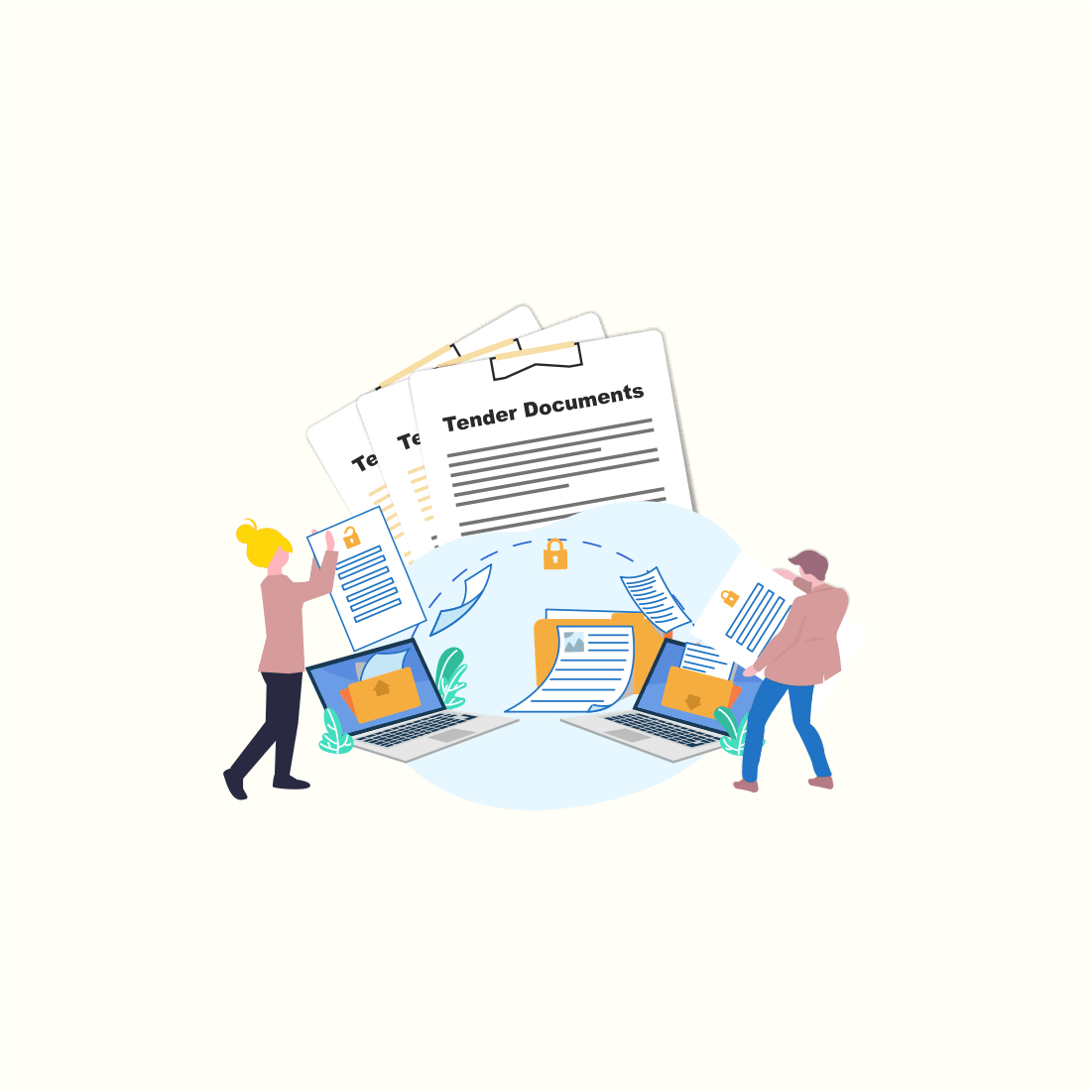






Specific Tender Notification of your business will be delivered through your mail

Statistics & Analysis of your specific Business interest will be provided in different variant

Tenders details and Standard documents about Public Procurement Terms and Procedure of various public sectors

Details about New Projects, and its Progress status will be provided via Web and mail alerts